
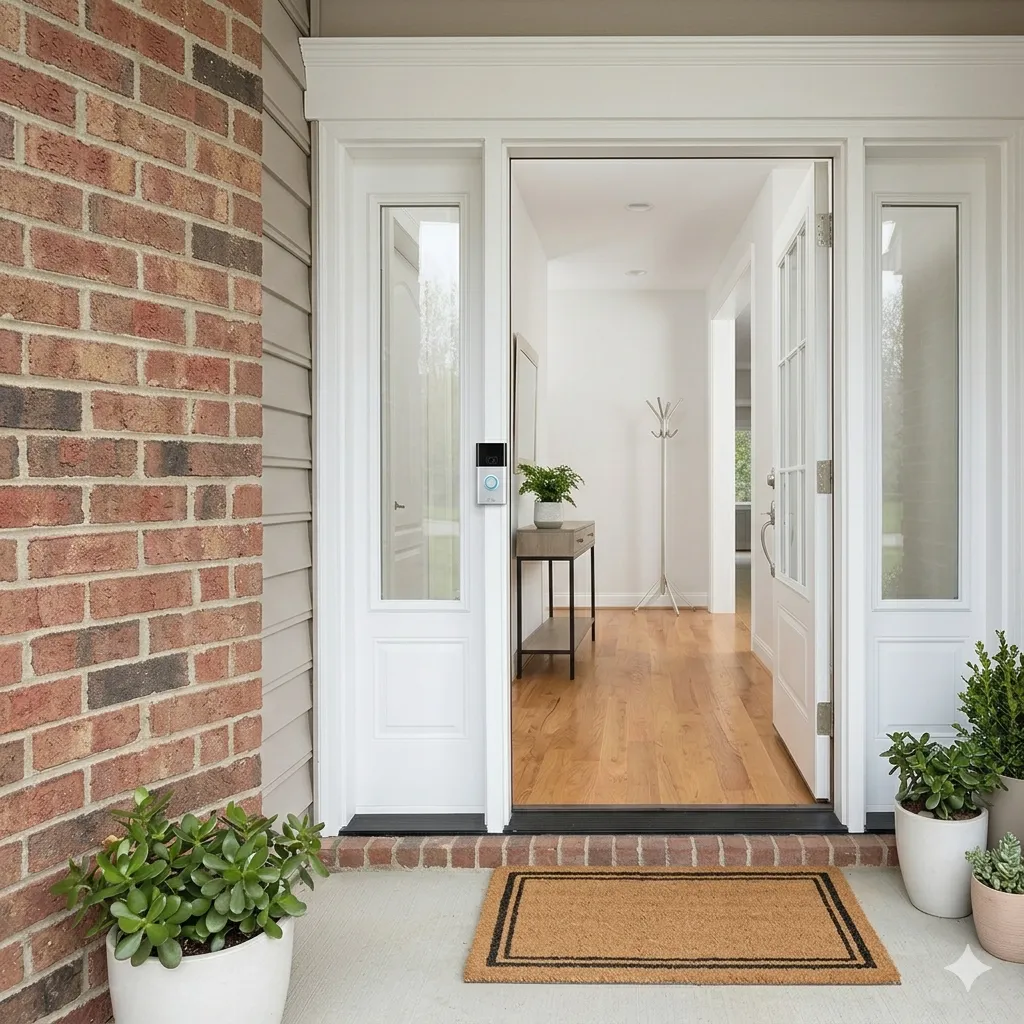
Can You Use a Ring Camera to Check On an Elderly Parent? A Practical Guide
Ring cameras were not designed for elder care.
That is worth saying up front, because a lot of families have ended up using them for elder care anyway, and the gap between what the camera was built for and what they actually need it to do is the source of most of the frustration.
This is a piece for the families who are already in that situation. You bought a Ring camera, or your parent already had one, and now you are trying to figure out how to use it to actually keep an eye on someone you love. We are going to be honest about what works, what does not, and what your options are.
Why Ring is the most common camera in elder care homes
There are five practical reasons.
- It is widely available. You can buy it at the same hardware store you have been going to for twenty years.
- It is well-priced. Cameras range from $40 to $200, and the subscription is modest.
- It is easy enough to install. A doorbell camera replaces the existing button. An indoor camera plugs into a wall outlet.
- Most older adults trust the Amazon brand more than smaller smart home companies.
- A lot of adult children install one as a security gift, and then realize over time it could do more.
This is how millions of Ring cameras end up in elder care homes. Not because someone deliberately chose them for the purpose. Because they were already there.
What Ring does well, out of the box
For the use cases it was designed for, Ring is good.
Live View on demand. You can open the Ring app and see what your camera sees. The video is clear, the latency is reasonable, the audio works.
Motion alerts. You get a notification when motion is detected, with a thumbnail or short clip.
Two-way audio. You can speak through the camera, which is useful for porch deliveries and for quick "hey are you home" check-ins.
Cloud storage of clips. With a subscription, motion clips are stored for review.
These features are useful. They are also exactly the features that, used as-is for elder care, become overwhelming fast.
What goes wrong when families use Ring as an elder care system
Three problems show up almost universally.
1. The alert volume is unworkable.
The default Ring setup sends motion notifications every time the camera detects movement. In a normal home, that is dozens to hundreds of events a day. After the first week, family members mute notifications, then ignore them, then forget the camera is there. The system stops working long before any emergency could happen.
2. The clips are too short and too plentiful to actually watch.
Reviewing one clip is easy. Reviewing 80 clips a day is impossible. Reviewing 80 clips a day, every day, for a year, is laughably unsustainable. The data is there, but the human capacity to act on it is not.
3. The system tells you what happened, but not what it means.
A Ring clip is a 30-second slice of reality. It is not a summary, a pattern, or a conclusion. If your dad walks through the kitchen at 11am, you see a 30-second clip of your dad walking through the kitchen. You still have to do the cognitive work of asking "is this normal? Did he walk through earlier? Was that normal too?"
Multiply that across days and you have a system that produces information but not insight.
Three approaches families take, in order of effectiveness
Approach one. Use Ring as-is, accept the volume.
You leave notifications on, you scroll through clips when you can, and you treat the camera as one of many tools. This works for the first month. It rarely works for the first year. Most families in this group either burn out or stop using the camera.
Approach two. Use Ring as-is, tune the settings aggressively.
You narrow the motion zones to specific areas, you turn off most notifications, and you only check the app when you actively want to. This is better, but it loses much of the value the camera could provide. You are no longer being notified when something happens, but you are also rarely opening the app, so you have effectively turned the camera off.
Approach three. Layer something on top of Ring that does the work for you.
This is the approach more families are moving to. The camera stays where it is. The Ring app does what it always did. But a second system reads the camera's events, summarizes them in plain language, learns the rhythm of your parent's day, and only flags things that actually matter.
This is what Beside Care does. We sign in with your existing Ring account, you choose which cameras to include, and we do not require any new hardware. When a motion clip is captured, our AI watches it, writes a short summary, and the clip is discarded. You get three readable digests a day, plus a gentle alert if something is genuinely off, like no motion by mid-morning when there usually is some. You stop drowning in clips, and you start getting useful information.
Specifically, what Ring cannot do, even with help
A few honest caveats.
Ring is not a fall detection system. Even with AI on top, video-based fall detection is still developing. For direct emergency response to a fall, you still want a wearable or a sensor. Beside Care is not an emergency dispatcher. It is for the slow drift, not the sudden event.
Ring cameras in bedrooms and bathrooms are off limits. This is the line that should never be crossed. Common rooms only. Visible cameras only. Older adult consent every time.
Ring is not a substitute for human visits. The best technology in the world cannot replace dropping by, calling, or knowing the person. The role of the camera is to take a piece of the watching off you so you can be more present in the parts that matter.
A practical setup, if you are starting today
If you have an existing Ring camera in your parent's home, or you are thinking about installing one, here is the simplest setup that actually works.
- Place a single camera in a common room with high activity. The kitchen is usually the right answer. Living room is second.
- Make sure the camera is visible to your parent and that they have agreed to its placement. Walk them through what it does.
- Mute notifications on the Ring app itself. You are not going to react to them in real time.
- Add a layer that turns the camera output into summaries and pattern detection. Beside Care exists for exactly this. Other options are emerging.
- Set the alert threshold for the layered service to "unusual only." Default sensitivity is usually right.
- Schedule a one-month review with your parent. What is working. What is not. What feels invasive. Adjust.
That is the entire system. One camera. One service on top. One conversation a month.
The honest bottom line
Ring cameras can be part of a thoughtful elder care setup. They are not, by themselves, an elder care system. The default settings are wrong, the volume is too high, and the cognitive load is too heavy.
But the hardware is in the right place. Millions of these cameras are already installed in the homes of aging parents. The opportunity is not to replace them. It is to make them useful.
See how Beside Care turns the Ring cameras you already have into a quiet, summary-driven elder care companion. No new hardware. No videos to scroll through. Three digests a day. Alerts when they matter.
Next week we are going to show you exactly what those digests look like, with sample insights. The thing most people do not realize about this kind of product is that the output is the entire point. Let us show you.
Related posts
- Best Smart Watches for Seniors with Fall Detection (2026)An honest comparison of the smartwatches with the most reliable fall detection for seniors in 2026 — what each does well, where it falls short, and how to make sure a fall actually reaches you.
- Fall Detection for Seniors: Smartwatches, Devices, and a Camera-Based AlternativeSmartwatches, pendant alerts, and sensors all react to a fall that already happened. Here is an honest look at each — and a complementary way to notice the small changes in the weeks before.
- How to Check On an Aging Parent Remotely (Without Hovering)You want to know mom or dad is okay without calling five times a day. Here are five calm, respectful ways to check on an aging parent from a distance.